
Win Rupees Withdraw Money 2026 – How to Cash Out to JazzCash/Easypaisa
Withdrawing your winnings from Win Rupees is the part everyone waits for—turning game rupees back into real cash in your wallet. The process is similar to sending money through Easypaisa, but inside the app. You need enough balance and a verified account for smooth payout. Minimum withdraw is normally around 500 PKR. This guide shows the exact screens and buttons you’ll see.
Prepare Before You Request Win Rupees Withdraw
Have these ready:
- Winnings in your Win Rupees Game wallet (above minimum).
- Account verified, name must match your JazzCash/Easypaisa name.
- Same phone number linked everywhere.
- Good internet connection.
- Your phone number is ready to receive OTP.
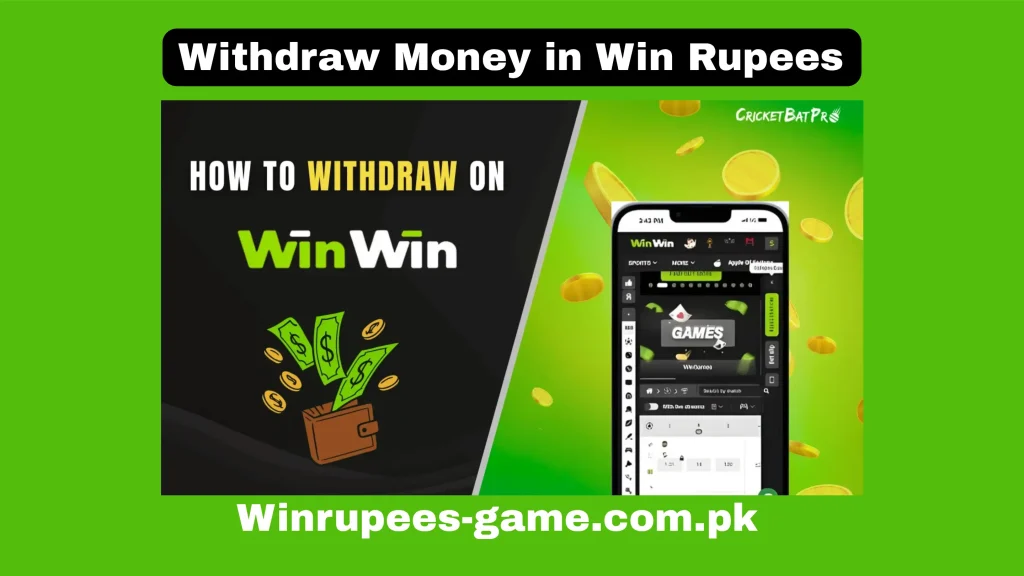
Step-by-Step Withdraw Funds
Step 1: Open Your Wallet
Step 2: Select the Withdraw Tab
Step 3: Pick Your Payment Method
JazzCash and Easypaisa pick one.
Step 4: Enter Your Withdrawal Amount
Enter the amount that you want to withdraw.
Step 5: Fill Details
Enter your account/number name exactly as registered in JazzCash/Easypaisa. Mismatch causes rejection.
Step 6: Verify & Submit
Tap “Request Withdraw”. OTP SMS arrives—enter the code in the popup. Hit final “Confirm”. Status changes to “Pending”.
Common Withdraw Issues & Fixes
- Request stuck in pending: Wait 4–6 hours, check history tab. If too long, send a message to support with a request ID.
- Rejected with a reason message: Read the message in the message box. It will inform you which violation you made.
- Less money received: Normal service fee (1–2%) from Jazz/Easypaisa—shown in preview.
- No OTP for confirmation: Resend, check signal, turn off DND.
- Withdraw button disabled: Balance too low or account not verified—complete profile first.
What to Do After Withdraw
Open your JazzCash or Easypaisa app, check transaction history. Save the Winrupees confirmation screenshot. If successful, you can request again when you win more. Avoid too many requests in one day.
Win Rupees Withdrawal Limits and Timings
Before you request a cash out it helps to know what the app will and will not allow. The exact figures can change, so always confirm them on the withdrawal screen inside the app rather than relying on an old screenshot.
- Minimum withdrawal: usually around 500 PKR. A request below the minimum is simply rejected by the form.
- Maximum per request: there is normally a per-transaction ceiling, so a large balance has to be cashed out over several requests.
- Daily limit: most accounts can only submit a limited number of withdrawals in 24 hours.
- Processing time: small amounts often land within a few minutes to a few hours. Larger amounts, or a first withdrawal on a new account, take longer because they go through manual review.
- Fees: the app may deduct a small processing charge, and your mobile wallet can apply its own transfer fee on top.
If a payout is still pending after the time shown in the app, that is normal during peak hours and on weekends. Wait for the stated window to pass before raising it with support.
Supported Payment Methods for Cash Out
Withdrawals in Pakistan run through mobile wallets rather than card networks. The two you will see most often are JazzCash and Easypaisa, and some accounts also show a direct bank transfer option.
Whichever you pick, the account has to be in your own name and registered on the same mobile number you use in the game. A wallet registered to a family member is the single most common reason a payout gets stuck, because the name on the game account and the name on the wallet do not match. If you have not set your payment details yet, the deposit guide covers how to link them.
Why a Win Rupees Withdrawal Gets Rejected
A rejected request is usually a data problem, not a ban. These are the reasons that come up again and again:
- Name mismatch between the game account and the JazzCash or Easypaisa account.
- Account not verified yet, so the app holds the payout until verification is complete.
- Wrong or mistyped wallet number — one digit is enough to fail the transfer.
- Bonus money not yet unlocked. Bonus credit normally has a playthrough condition attached, so it cannot be cashed out directly. See the free bonus guide for how that works.
- Balance below the minimum once any pending bets are deducted.
- Too many requests in a short time, which triggers an automatic hold.
Fix the underlying detail and submit again rather than sending the same request repeatedly, since repeated identical attempts can lock the withdrawal option for a while.
Tips for Smooth Withdrawals
- Verify your account fully before you build up a large balance, not after.
- Keep the game account, the mobile number and the wallet all under the same name.
- Take a screenshot of the confirmation screen each time, with the transaction ID visible.
- Withdraw in normal daytime hours — overnight requests tend to sit in the queue longer.
- Cash out regularly in smaller amounts instead of letting a big balance sit in the app.
- Never share your password or an OTP with anyone claiming to be support. No legitimate agent will ask for it.
If a payout is genuinely stuck rather than just slow, the common problems guide lists what to send to support, and the Winrupees review looks at how withdrawals have actually performed.
Remember that real-money games carry a risk of loss. Only play with money you can afford to lose, and treat any winnings as a bonus rather than an income.
Conclusion
Withdrawing from Win Rupees APK is clear and direct—go to wallet, select method, enter amount, verify OTP, submit. Most payouts reach JazzCash or Easypaisa quickly once your account is verified. Start with small cash-outs to build confidence. Cash out smart, keep records, and enjoy your winnings without unnecessary worry. This is the rewarding part—do it carefully and see real rupees in your wallet.